
Own what you put your name on.
Every rule here comes from one place. A student is answerable for what he shares, and for what an AI does in his name. So he works first, checks the AI, and decides what he will stand behind. The moment he approves what the AI produced, it is his work, whether or not he understood how the AI got there. It is also how the program keeps AI use ethical, safe, and secure: permission before action, privacy by default, and a person answerable at every step.
The six rules
Six moves, in order, starting with the lesson you already have. The lesson's objectives stay, one new objective is added, and the course is never replaced. The rules keep the impact high without adding much cost.
Choose the activity where a working professional would already be using AI. Do not write a new activity.
Decide two things. When it enters: before the work to get unstuck, during the work on a tool's output, or after the work to review what the student did. And how far it reaches: inside what the student can already do, or out at the edge of it as a stretch. One placement per lesson.
The AI step always comes after the student's own attempt. If AI would erase the struggle the activity exists for, move the touchpoint later.
What the student turns in is his check of the AI, not the AI's answer: where it is right, where it is wrong, and what he will stand behind. This maps onto any existing course assessment. If you add a new criterion, like "caught the AI's mistakes," tell students up front.
Write it in standard form, for example: "Students will verify AI-generated output using an independent tool." The lesson's existing objectives stay as they are.
The submission includes one sentence on how AI helped. Disclosure is the habit being built.
The edge: how far the AI reaches
This is the second part of rule 2, how far the AI reaches. Picture a tether between the student and the work. At the edge the tether is still taut, so he can pull the work back and check it. Past the edge it goes slack, and he is trusting what he cannot see. The edge is where the real growth happens, as long as it is handled right.
The AI works on ground the student already knows, so he can check everything it hands back against what he can already do. Most steps live here, and they are safe.
The AI takes him further than he could go alone, but not so far that he is lost. He can still reel the work back, test it against the real thing in front of him, and explain it before he signs it. Every time he does, his reach moves out and the next stretch starts further along.
The AI hands him something that works and that he cannot explain or check. It looks right, he signs it, and he could not catch it if it were wrong. This is the place to keep students out of, and it is what the stretch is built to prevent.
When a step reaches to the edge, the student turns in three things: the work, one line on how he knows it did what he asked, and the one thing he had to look up to be sure. If he cannot write that line, the step went past the edge, and that is the signal for the instructor.
Worked example: one real deck, before and after
The deck: "Information Technology, Networking, and Security Fundamentals: Session 2 — Ethics & Core IT and Security Principles," one of my own decks, built for a nonprofit STEM cyber program. Click through each option: the left card is the existing slide, which stays exactly as it is; the right card is the new slide added after it, extending the same task.
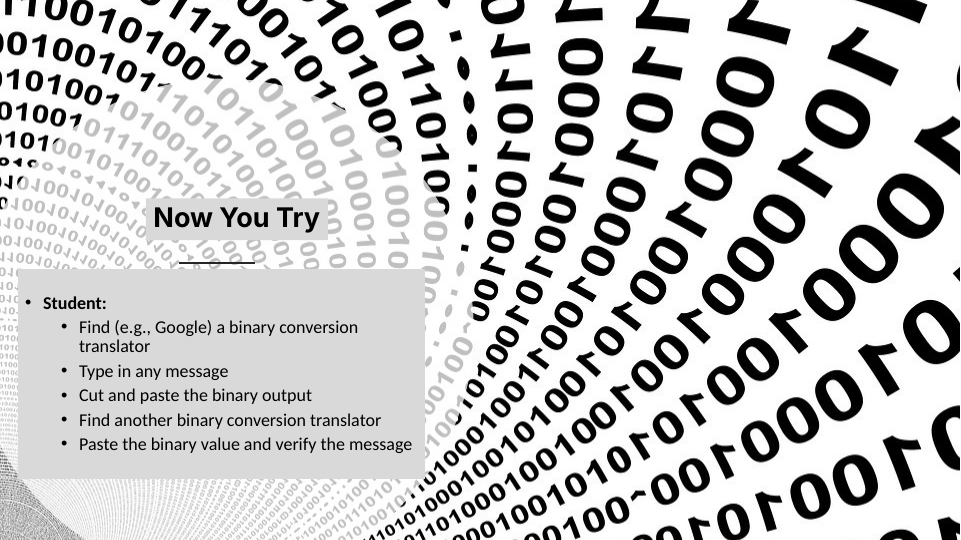
This slide already teaches verification: one translator checks another. That is the hook the AI step hangs on.
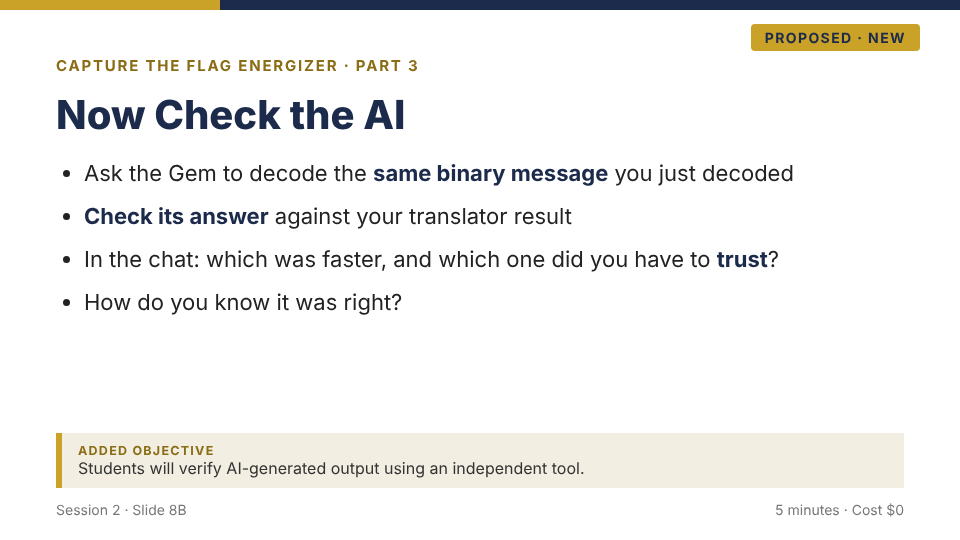
Speaker note: the Gem is just another translator. It gets verified like one. This is the first AI moment of the course, and it teaches the rule that governs all the others.
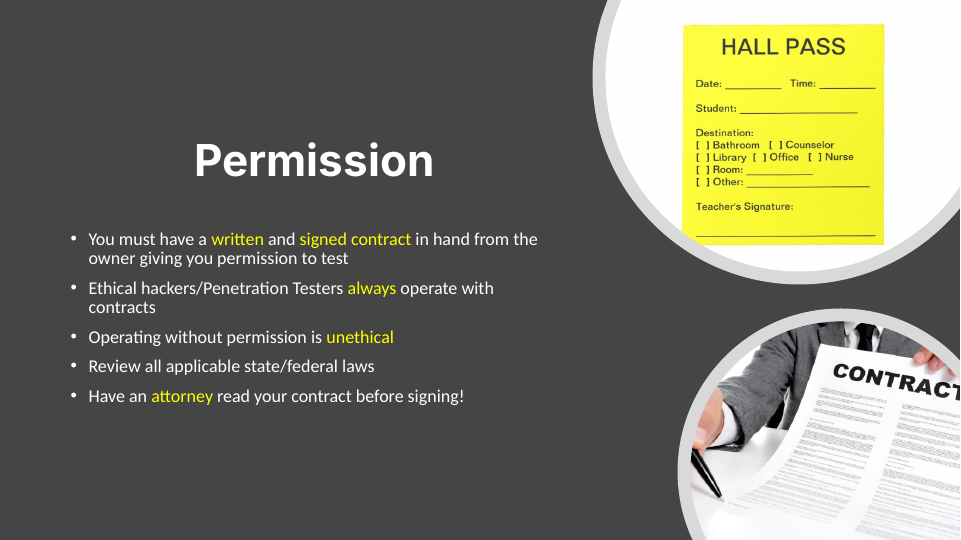
The ethics rule students just learned. The new slide extends it to AI with no new rules.
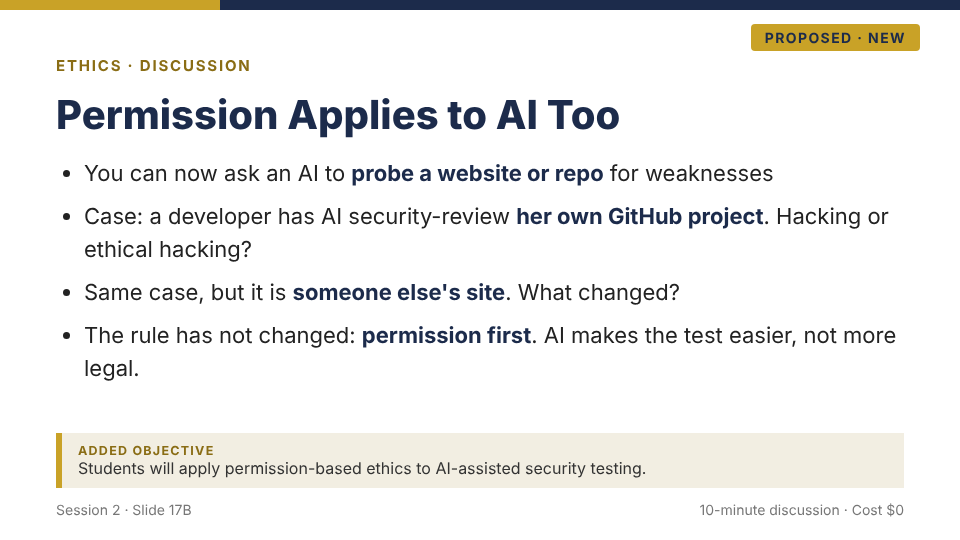
Speaker note: AI-assisted security review of your own work is a real industry practice. The framework from slide 17 covers it.
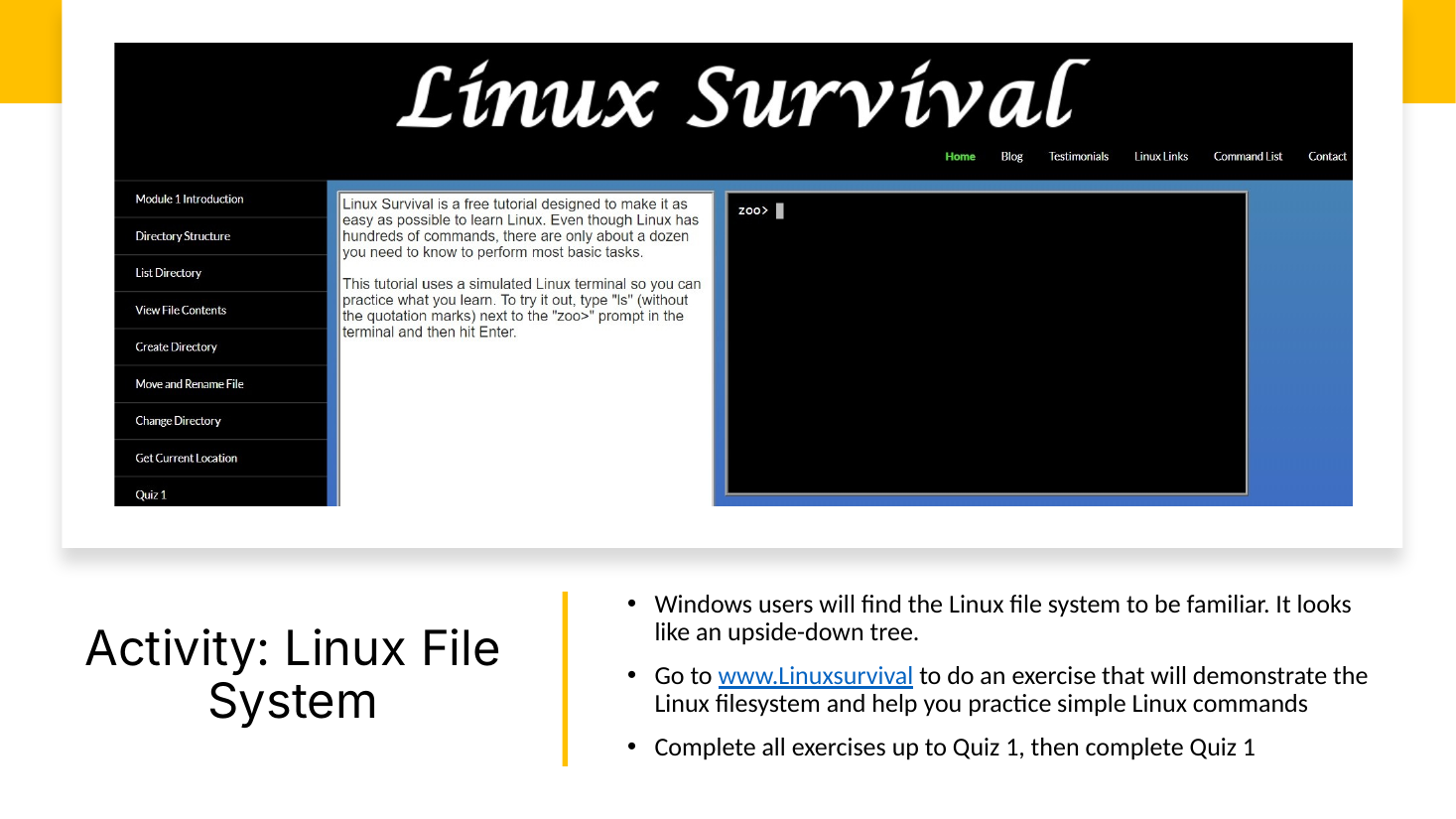
A self-paced exercise where getting stuck on a command is normal. That stuck moment is where the coach touchpoint lives.
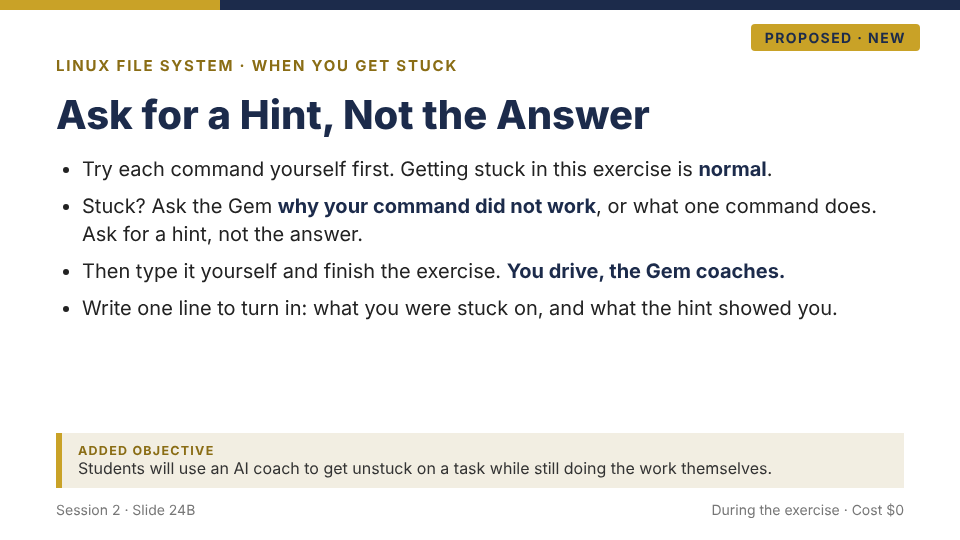
Speaker note: this is the Before touchpoint. The Gem is a tutor who gives hints. The student still types every command and finishes the exercise himself.
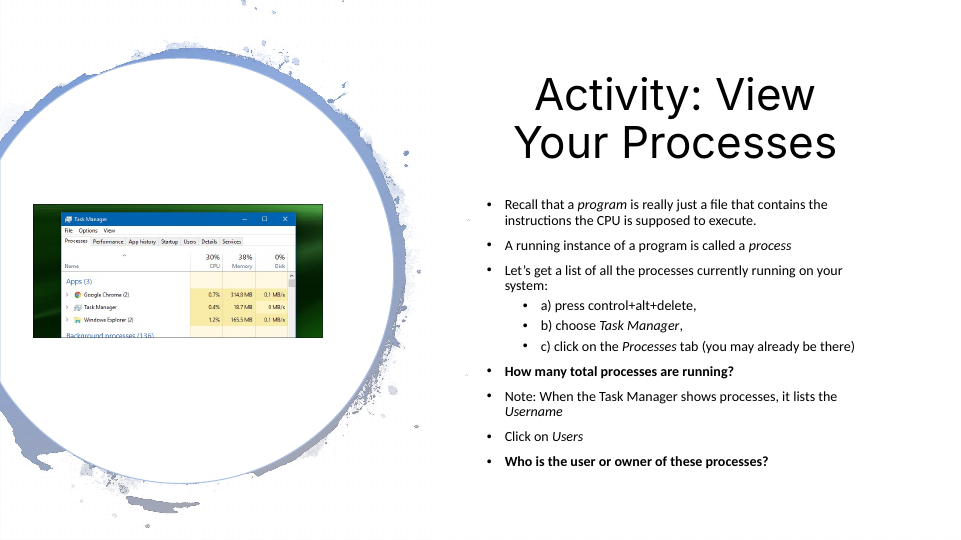
The activity stays. Two steps get added to it.
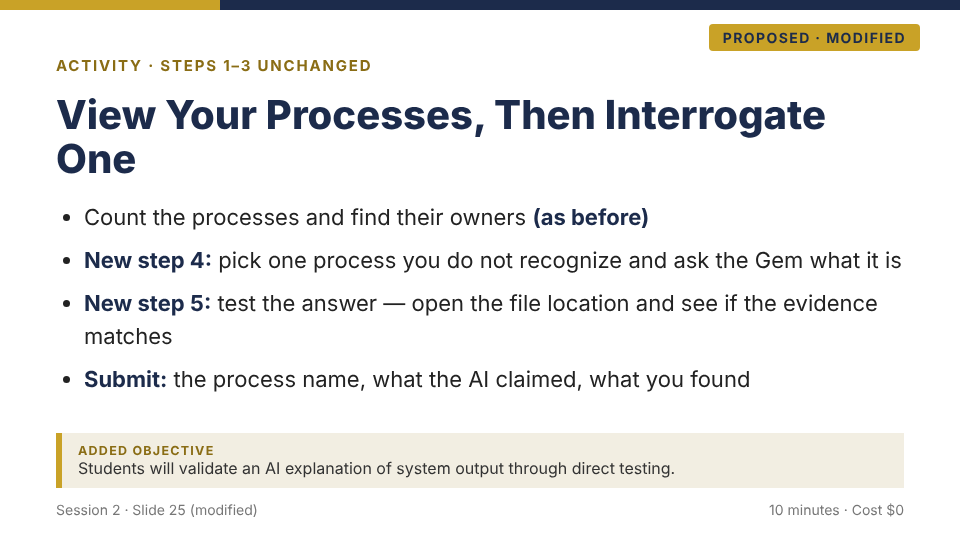
Speaker note: circulate with the usual question, aimed at the AI step: "How do you know the AI was right?"
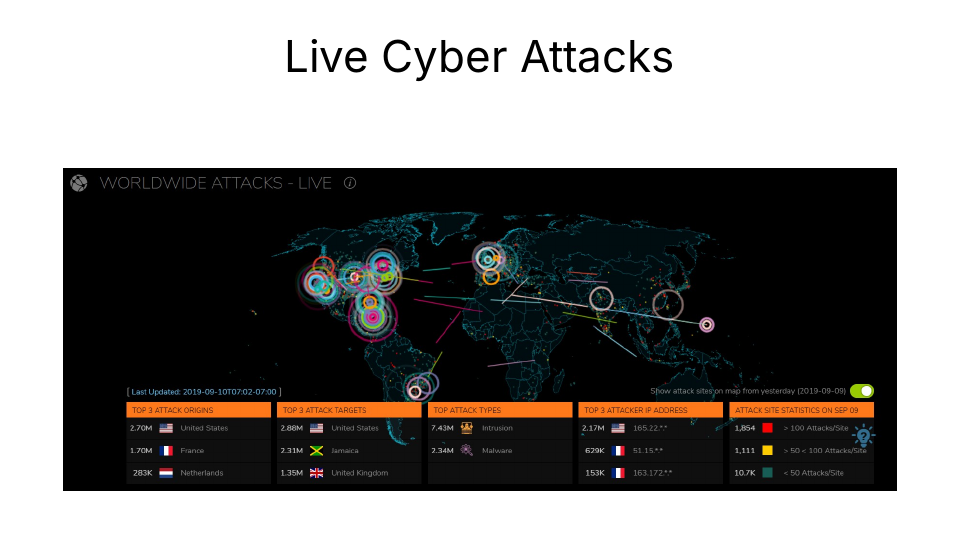
Students already watch the live attack map here. The new slide adds the fact-check.
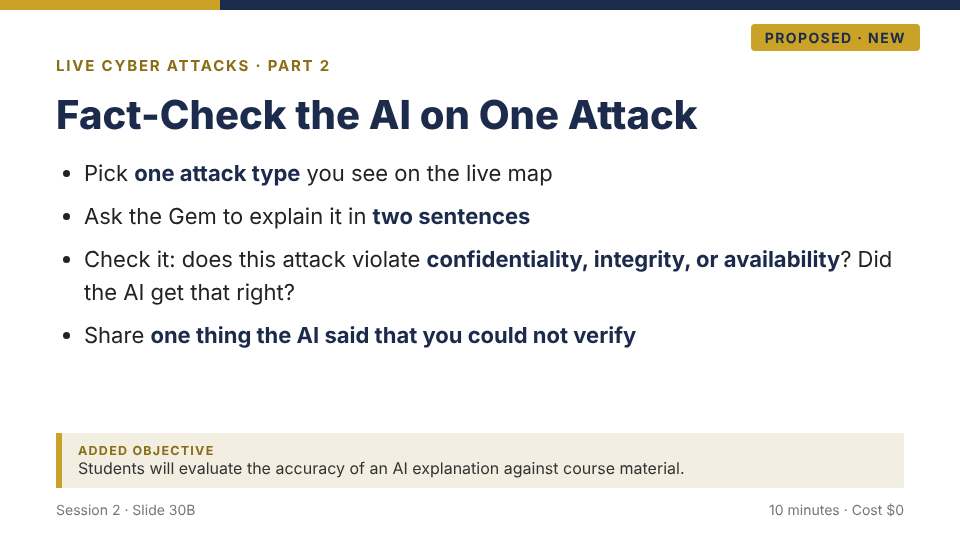
Speaker note: "one thing you could not verify" is the point. An unverifiable claim is a flag, not a fact.
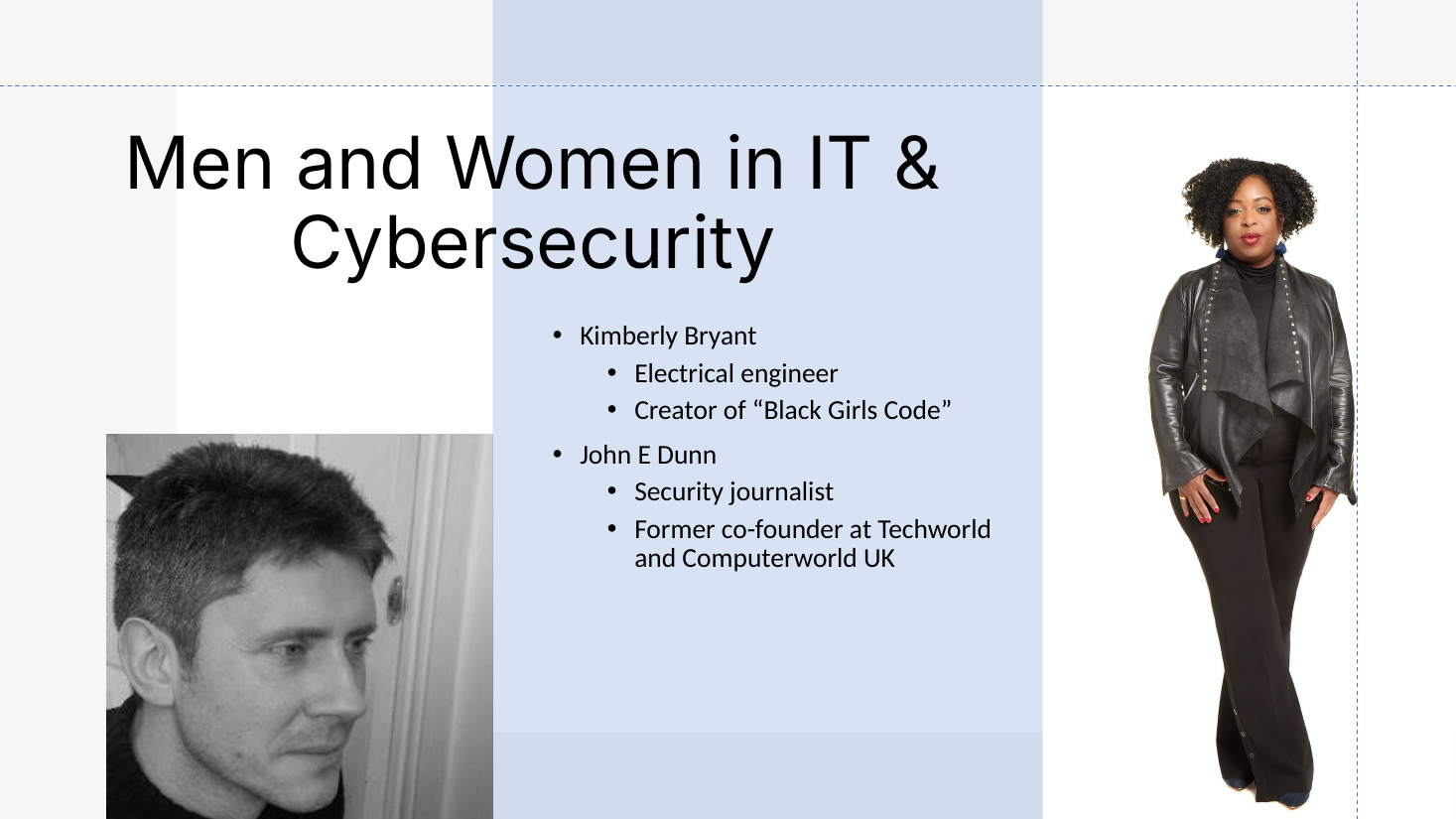
The deck already puts a diverse pair of role models on screen. That is the hook for checking who an AI leaves out.
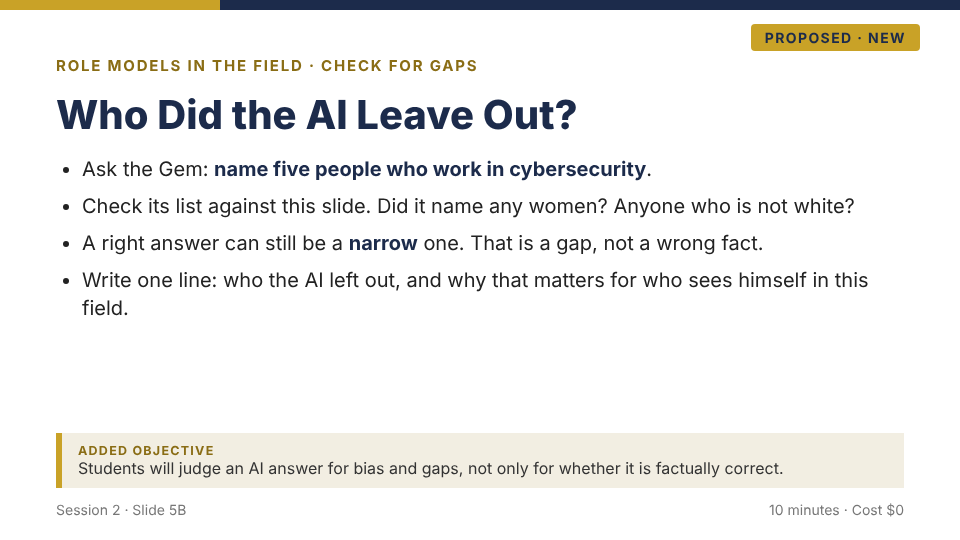
Speaker note: a narrow answer is a gap, not a wrong fact. The student checks the AI for fairness, not only for whether it is correct.
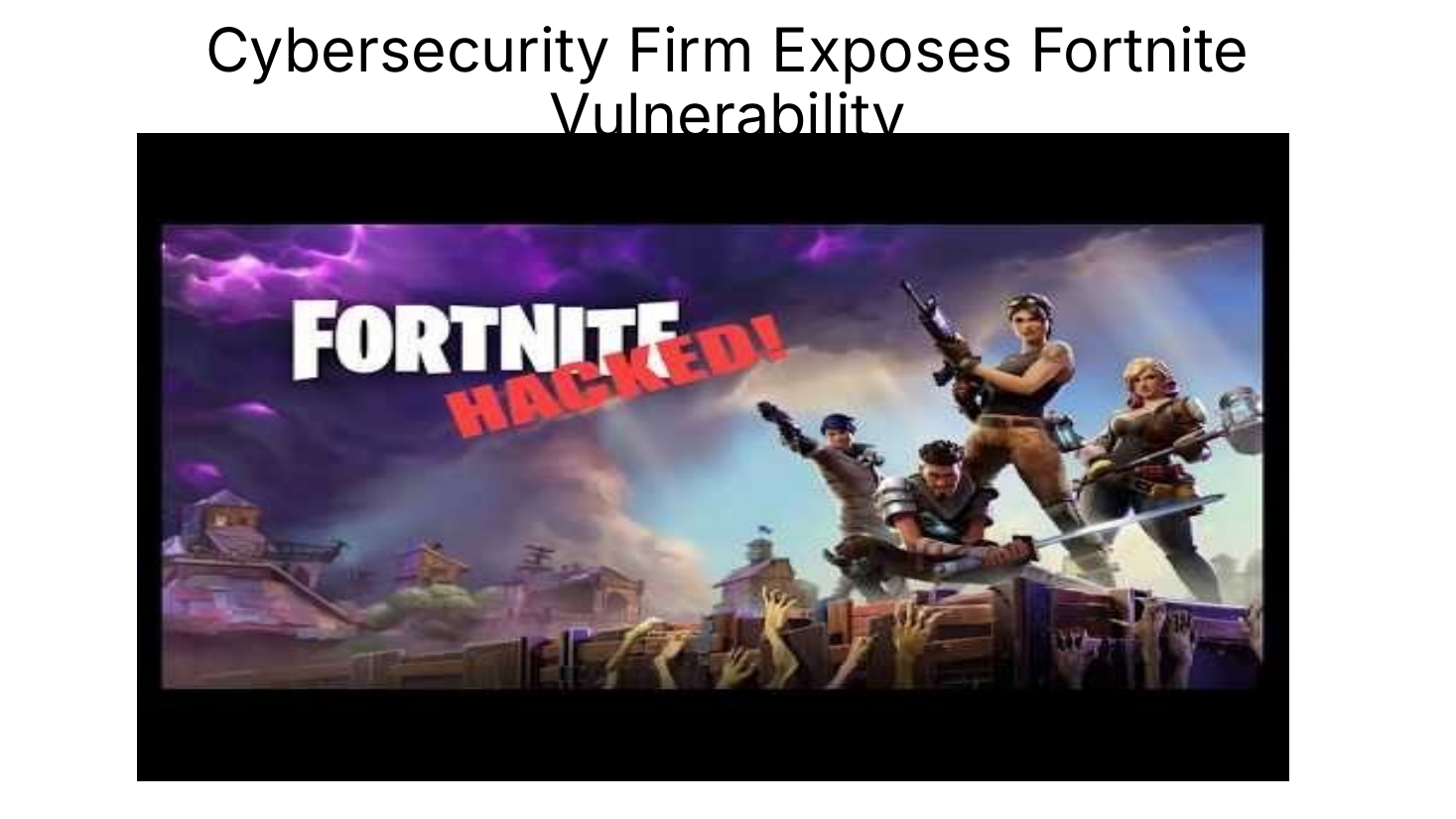
Students read the article and may use the Gem to help explain it. Reading is where feeling sure can outrun understanding.
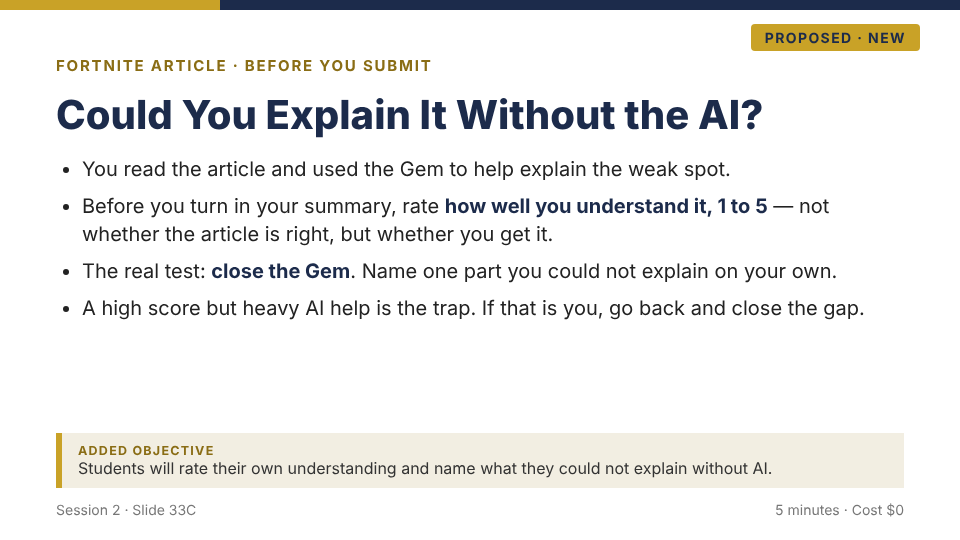
Speaker note: the rating is about his own understanding, not whether the article is accurate. The test is whether he can explain it with the Gem closed.
Why these seven work: each one adds AI at a spot where the deck already asks for practice, exploration, or a check, so the AI step feels like the lesson continuing, not a new lesson starting. Across all seven, the total new material is six new slides and one modified slide.
When the AI acts: two added rules for agents
Same one idea, higher stakes. With generative AI you are answerable for what you share. An agent acts: it takes steps on its own, so now you are answerable for what it does in your name. That is why an agent gets two more rules. An agent is the far edge of that reach, the biggest stretch there is, and these two rules are how the tether stays taut even there. Don't read about them, try them. Picture your home office. You gave an agent this job: "Sort this week's receipts and draft a reply to my landlord about the rent." Now run it, and read what it does.
Before the agent starts, the learner writes its boundaries:
- May look at: your inbox and Receipts folder only
- May sort receipts and draft a reply
- May not open saved files outside the inbox
- May not send anything until you say yes
This is the same contract a security student writes before a test, called Rules of Engagement. You are writing one for a chore at home: here is what you may touch, and nothing goes out without me.
"Done. Sorted 6 receipts into your Receipts folder and drafted a friendly reply to your landlord confirming this month's rent is paid. Ready to send."
Rollout order: first generative touchpoints (this playbook), then auditing an agent's log the way you just did, then directing an agent inside boundaries the learner wrote. Advanced cybersecurity students reach that third step inside the existing curriculum, where the defensive automation project already requires a human-in-the-loop checkpoint.
The same agent step across four STEM programs
An instructor picks one. In every case the student writes the scope, the agent runs in a walled-off place the program already controls, and the student audits the log before anything counts. Cyber is from the real Session 2 deck; the other three are illustrative.
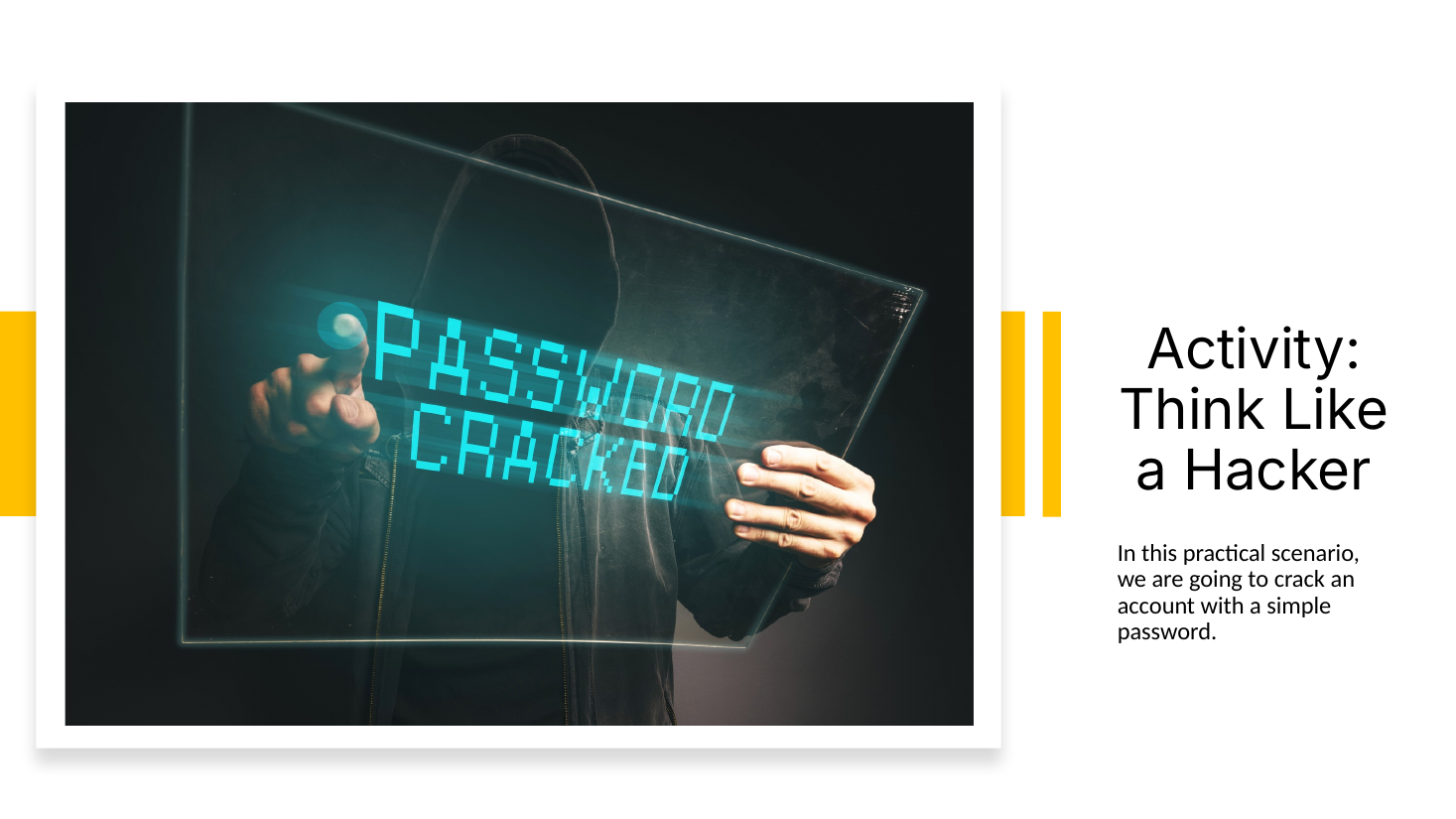
From the real deck. The student cracks one password by hand first, which is what lets him judge the agent later.
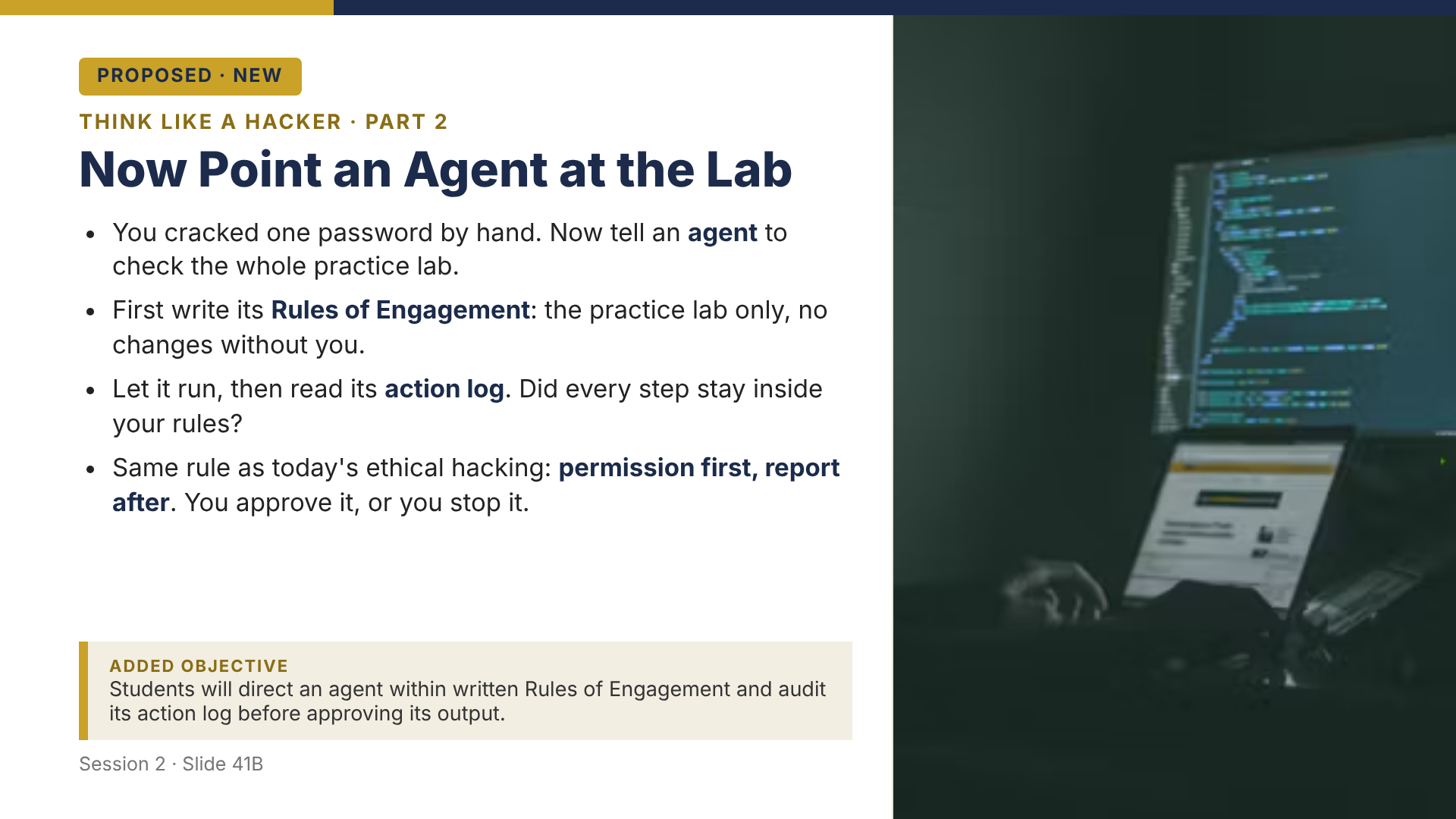
He writes the Rules of Engagement, the agent runs, and he audits the log before anything is sent.
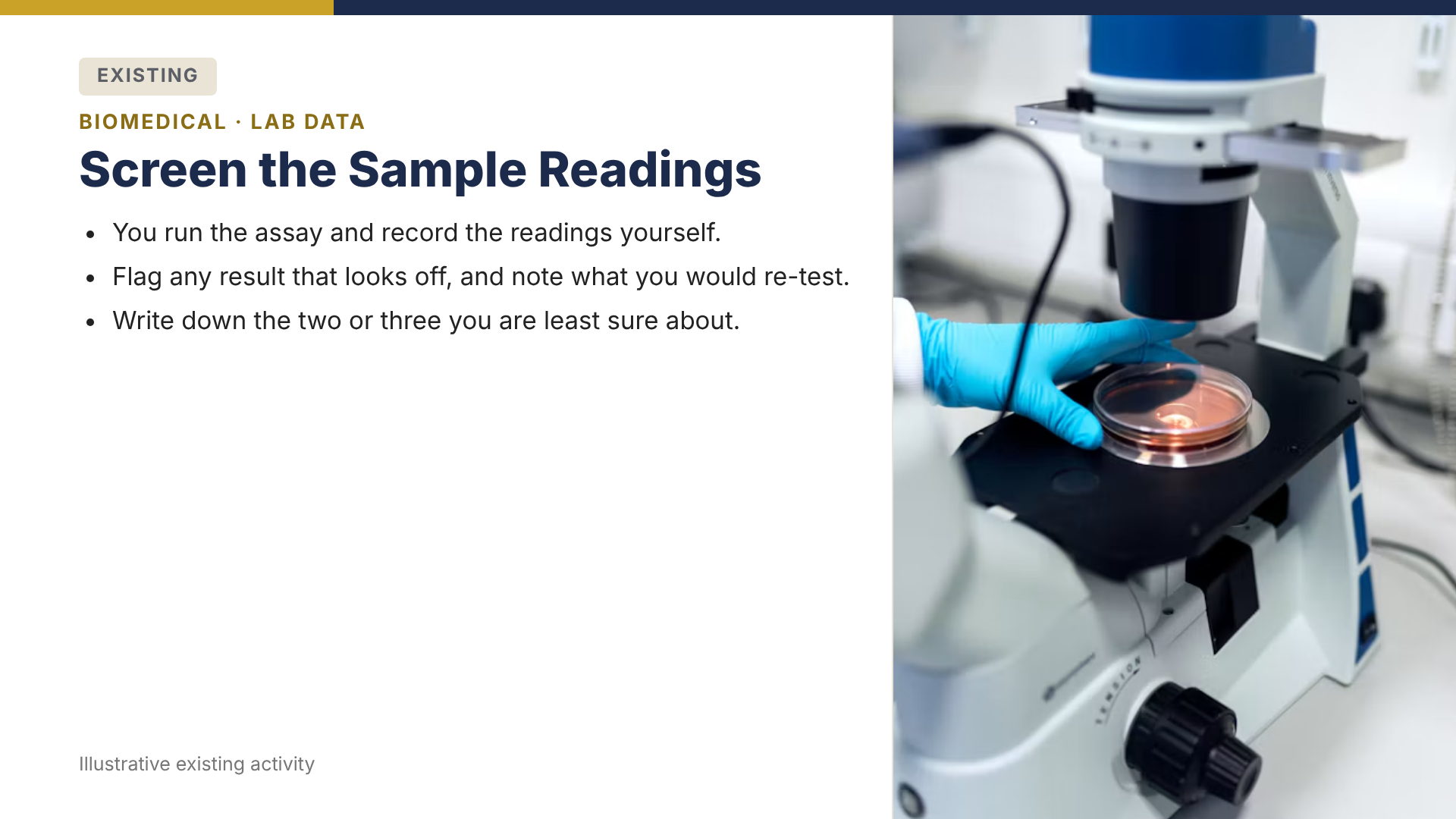
The student screens a few readings by hand first.
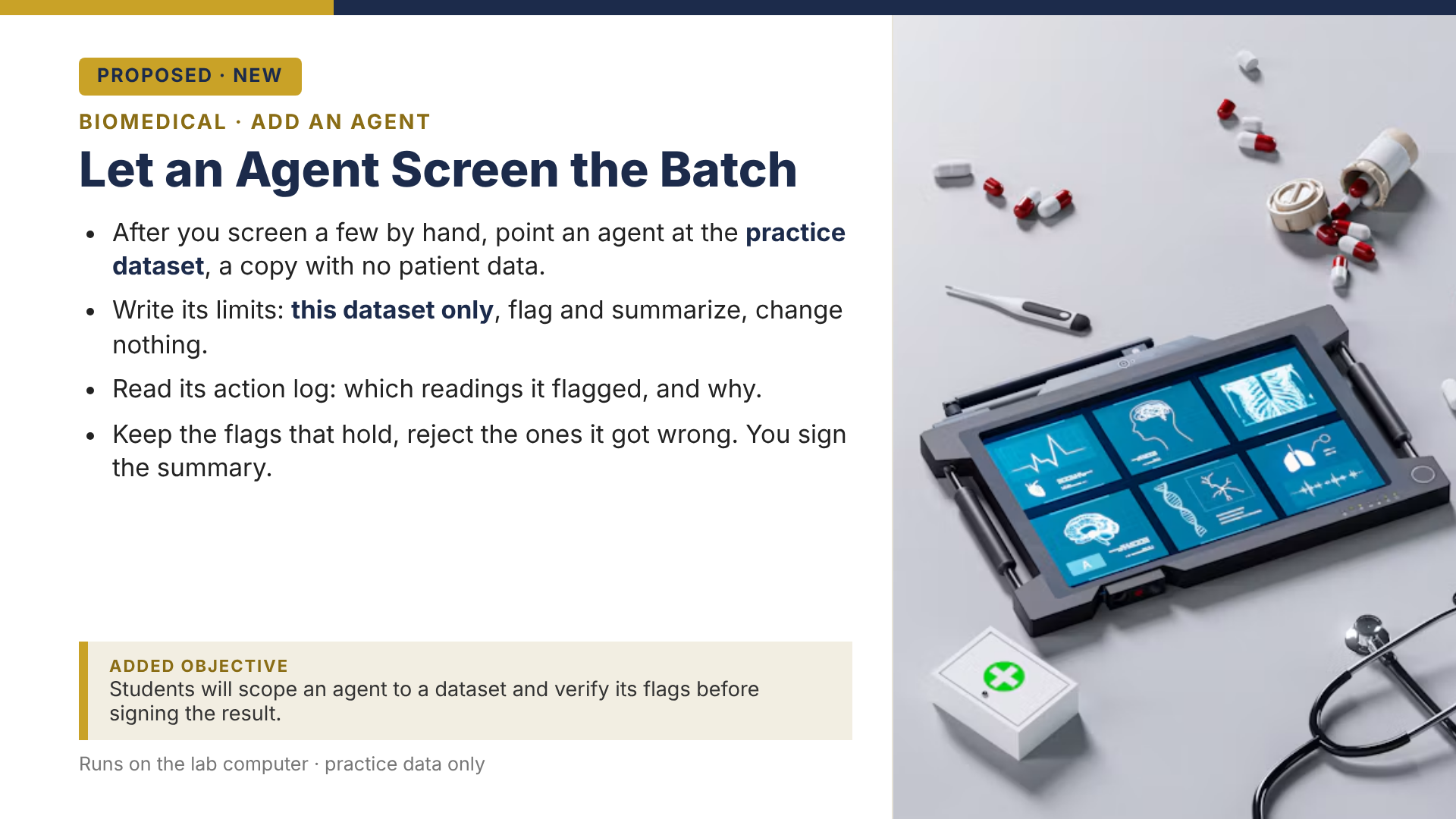
He scopes an agent to a practice dataset, reads which readings it flagged, and signs the summary himself.
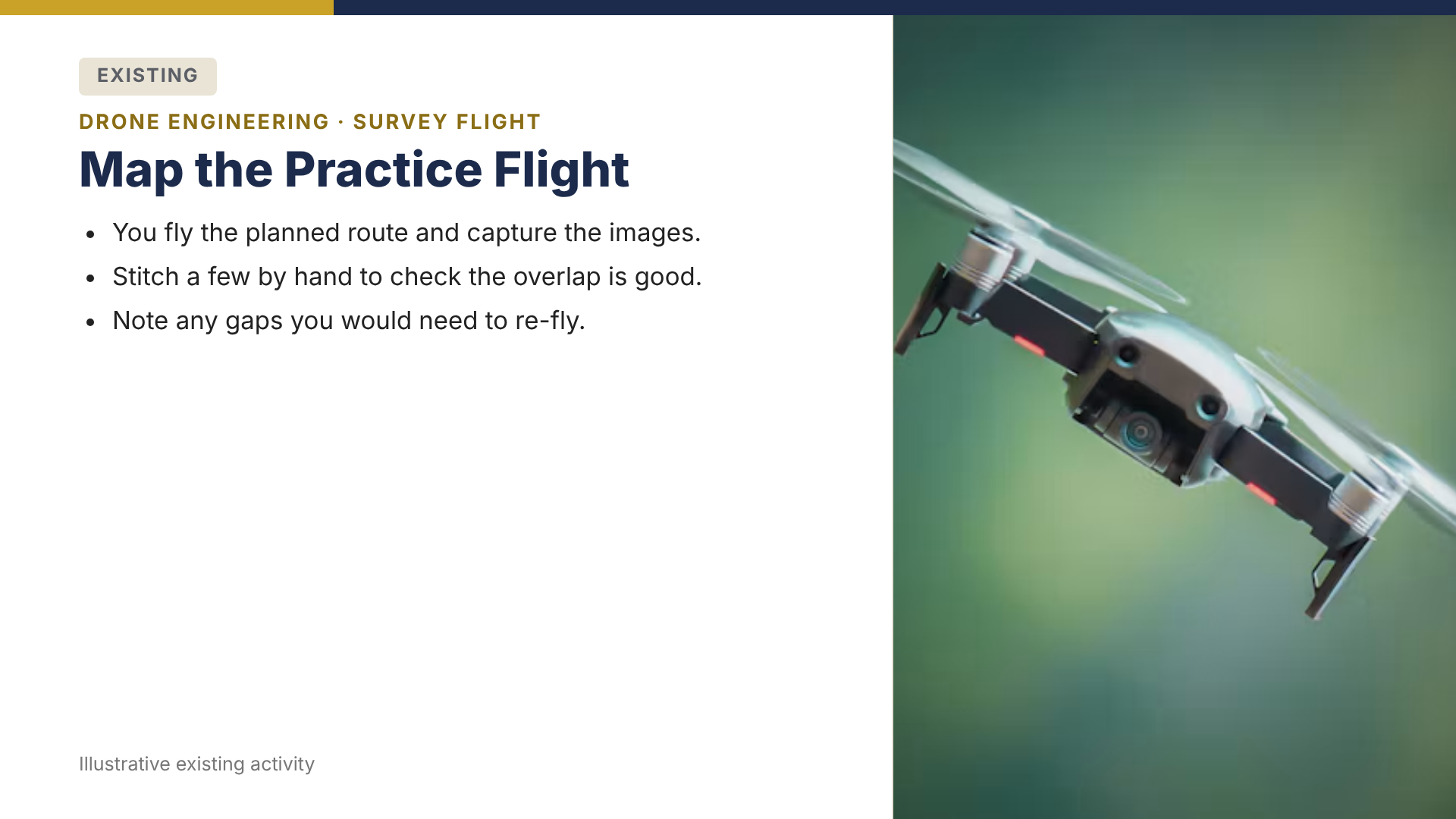
The student flies the route and checks a few images by hand.
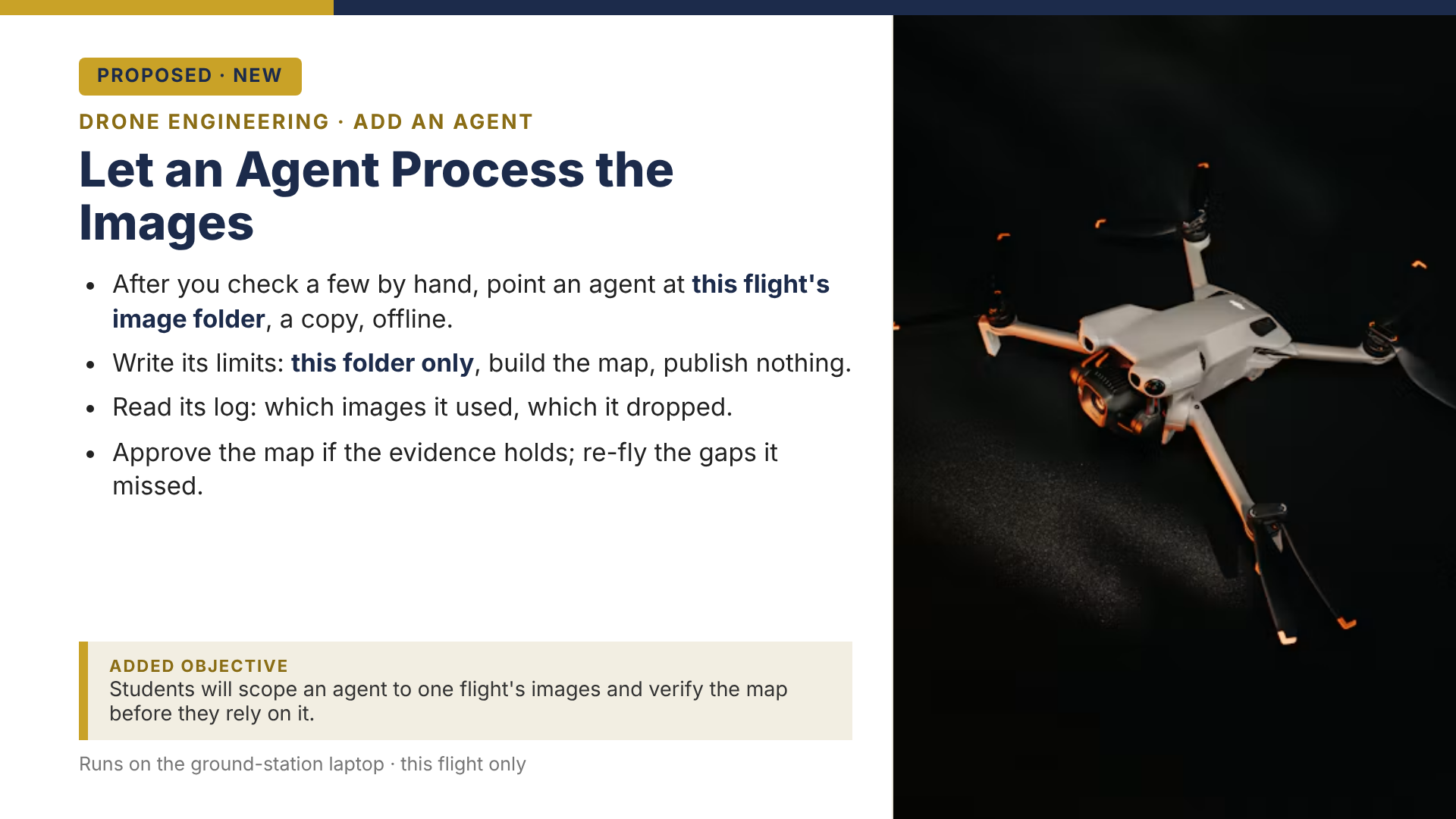
He scopes an agent to this flight's images, reads its log, and approves the map only if the evidence holds.
The student plays his own level first and notes where it breaks.
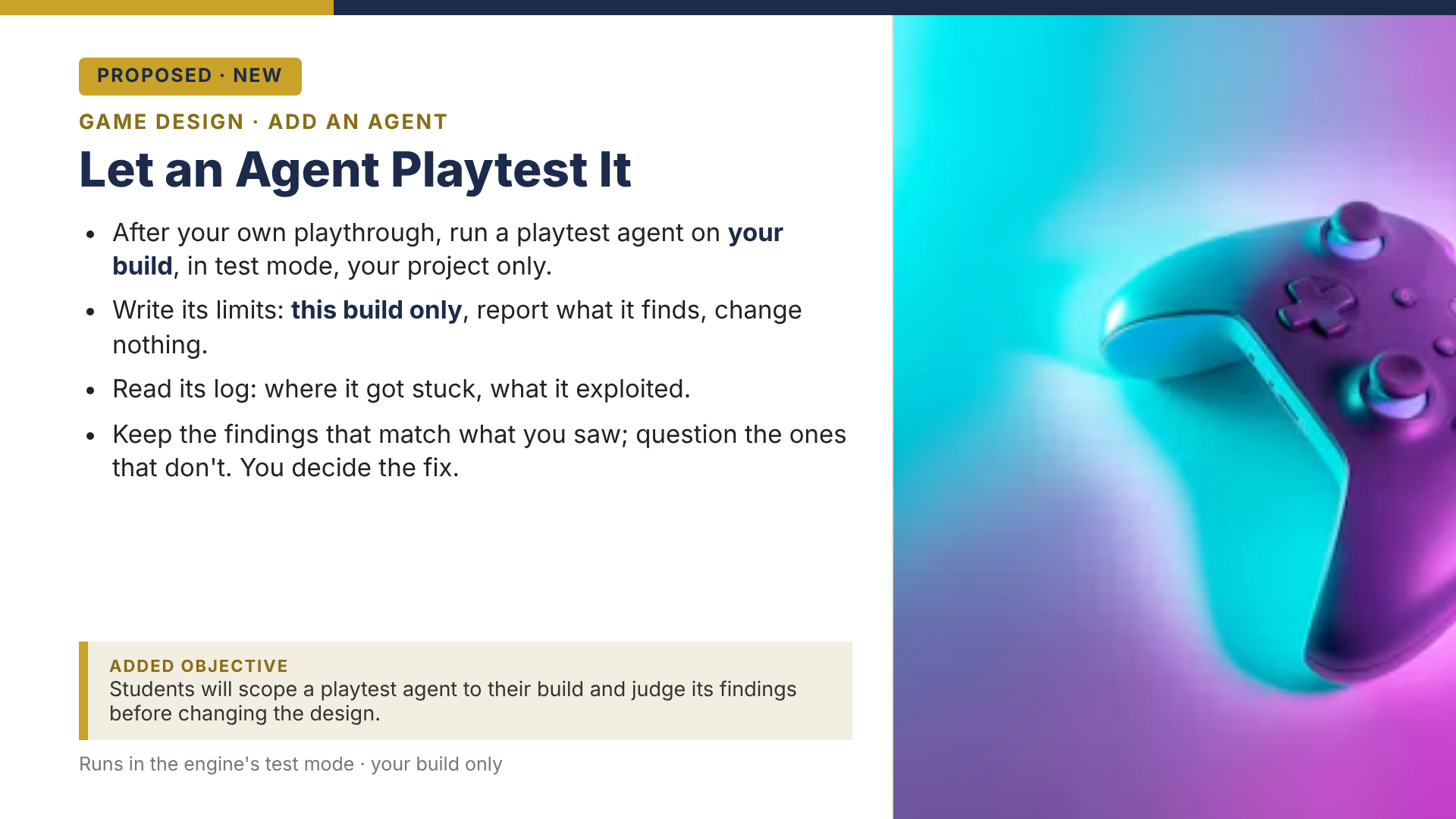
He scopes a playtest agent to his own build, reads its log, and keeps only the findings that match what he saw.
Agents are real. Student access is not a given. Check first.
Agents are here. Gemini, for example, now has a Task mode that does jobs on its own across a person's Google apps and can run on a schedule. But the access is gated. As of its current documentation, Task needs an adult account (18 or older), a paid Gemini plan, and it excludes work and school accounts. For a grades 6 to 12 program, that means most students cannot turn it on, and no one should try it on a school account. Provider rules like these change often, so verify them before you rely on any agent feature.
The core of this playbook needs none of that. Students practice with ordinary AI and the prepared simulation above. No student needs to buy an agent plan or connect a real inbox to learn this.
The same process works in other training
The six moves and the ground rules never change, and the existing course is never replaced. Moving this process to a different kind of training changes only three things: which AI the learner uses, what the learner checks the AI against, and where the edge sits for that learner. Click a training type and watch those three change while everything else, privacy by default included, holds still.
For certification trainers: the part that gets you asked back
You already know the two halves of this business. Pass rates get you noticed. Experience gets you remembered and asked back. Here is what changed under both. AI now passes the exam your students are cramming for, and hiring managers have started ranking proven judgment above the certificate itself (ISC2 and SANS, in the references). The recall your flashcards drill is the part AI now does for free. The experience that makes your bootcamp worth paying for, and worth booking again, is the one thing AI cannot hand anyone: the judgment to take its answer, check it against the real system, and own the call. That is the layer this adds.
Students already use it to study. Custom tools tuned to the exam objectives, study plans, acronym lists, flashcards on demand. That is real, and it helps them pass. But using AI to study and practicing judgment with AI are two different skills. A tool that helps a student answer D is not the same as the judgment the job needs the moment AI is the one producing D. The retrofit adds the second skill, and this is what it looks like.
A static code scan identifies a possible SQL injection in a customer portal. A dynamic scan reports no vulnerabilities. Before closing the finding, the analyst reviews the dynamic scan's activity: its login succeeded, but the session expired shortly after, and most later requests were redirected to the sign-in page. What should the analyst do next?
"Correct, D. The dynamic scan's session expired, so it never tested the signed-in pages, and a clean result from a scan that could not reach the code is not evidence of safety. A is wrong: you cannot clear a finding with a scan that never covered it. B is wrong: a static flag alone is not a confirmed exploit. C just repeats the same broken session, so it changes nothing."
You see why D is right and the rest are wrong, and you move to the next question. That is where training stops.
In the training course, D is the answer the student knows, and AI hands it over in seconds. Getting D right is good. It is not the job. So at the end of the course, before the certificate, you add one edge task where the student stops answering and starts deciding.
One incident, with AI already in every step. It ran the scan, built the timeline, and drafted the summary. The student's job is not to redo that work. It is to move upstream, check what matters at each step, and make the calls a hiring manager can watch them make and stand behind. You can also place one edge task per domain, or one per module, as you scale.
AI ran the authenticated scan on the customer portal and handed this back:
Clean, 0 found. But the session dropped after login, so it reached 1 of 24 signed-in pages and never tested the code the finding is about.
Does "0 found" go in the report as written, and what does the student set before the scan runs again?
AI rebuilt the timeline from endpoint and firewall logs. The endpoint clock ran seven minutes ahead, and it corrected the skew:
The timeline looks right. It is headed to a legal team that will ask how the evidence was handled.
How does the student confirm the AI touched only a copy and left the hashed originals alone?
Beat 3 · The summary
AI drafted the executive summary. It reads clean and sure of itself, more sure than the evidence supports. It is going to leadership.
What does the student change before their name goes on it?
Work the incident live, in a sandbox or range, with AI in the loop. The artifact is the run itself: where they re-scoped the scan, how they checked the evidence, what they cut from the overconfident summary, and the call they stood behind. The environment records the moves, so what a hiring manager sees is decisions, not a write-up a tool could have produced. No range? Have them run it on screen and defend each call out loud. Same proof, lighter setup.
No answer key. The instructor runs the discussion. What holds across every beat is that the person who signs it owns what the AI did and did not do.
Your graduate walks out able to do the one thing the exam never tested and the employer is paying for: take a confident AI answer and finish the job it cannot, check it against the real system, make the call, and own it. That is what gets him hired, and word that your students can do it is what gets you booked again. Here is the part a flashcard vendor cannot match. I do not just add the AI step. I measure whether the judgment actually moved, with an evaluation model built for exactly that.
Evaluate it with the Ypifany Evaluation Model
A model of my own, ten years in the making. It does not grade from the outside. It treats evaluation as noticing and making meaning of what emerges in a system, so the student's own work is the evidence and the instructor reads it from inside the room, not from above it.
The design and the evaluation run on one idea.
"Keep the first attempt human" and "make the check the submission" are self-directed evaluation: the student notices his own thinking and makes it visible. The three indicators below are what the instructor notices and mirrors back, reported as "here is what I saw from where I stand," not "here is what is true."
Across AI-assisted work, did the student keep the AI when it was right and overrule it when it was wrong? Both sides count: keeping a wrong answer is over-reliance, throwing out a right one is under-reliance. This is the documented measure of AI judgment, not just catching mistakes.
On the program's skills assessment, can the student still do or explain the task with the AI closed? This is learning that transfers to the job, which is the level training is finally judged on, not help in the moment.
Students who can now do unaided what used to need a stretch, moving toward the next SFIA proficiency level. This is reach moving out, which is the point of the edge.
Pick one lesson you already teach. Add a single AI step after an activity students already do, write one new learning objective, and run it once. That is the whole first step. To go deeper, open the click-through page on a screen with your instructors and walk one lesson together.
References
The process and its checks draw on this work.
- Abram, Cheryl. The Ypifany Evaluation Model (Ypifany LLC). The evaluation stance used throughout: evaluation as noticing and making meaning of what emerges in a system, with the learner's own work as the evidence.
- Melbourne CSHE. Designing assessment tasks that are less vulnerable to AI. Backs process-over-product grading, evaluative judgement, and the oral defense question.
- UNESCO. AI Competency Framework for Students (2024). Backs the bias-and-gaps check and the human-centred, ethics-first stance.
- Measuring and mitigating over-reliance on AI. arXiv, 2025; and A decision-theoretic framework for measuring AI reliance (arXiv, 2024). Defines appropriate reliance as a two-sided outcome, accepting correct AI output and rejecting incorrect output, so good judgment is more than catching mistakes.
- Kirkpatrick's four levels of training evaluation. Kirkpatrick Partners. Backs measuring Behavior (transfer to the job) and Results, not only in-session learning, which is why unaided transfer and proficiency movement are the headline metrics.
- ISC2 hiring-manager survey, via AI is altering entry-level cyber hiring and the nature of the skills gap (CSO Online). Across 929 hiring managers, problem-solving and analytical thinking now rank above core technical skills for entry-level roles.
- SANS. The cyber talent crisis isn't about headcount, it's about skills. Hiring managers value validated, job-ready skills over credentials; certifications rank second behind demonstrated capability.
- CompTIA. SecAI+ certification and bootcamps. A major certification body building a whole credential around using AI in security work is market evidence that this is a job skill, not a side topic.
- Outsourcing cognition: the psychological costs of AI-era convenience. U.S. National Library of Medicine (PMC). Backs "AI after the first attempt" and the confidence self-check against the illusion of competence.
- From chalkboards to chatbots: the SELAR framework for AI in the curriculum. arXiv. A structured way to embed AI in existing lessons.
- Queen Mary Academy. Integrating AI in Curriculum: Simplifying Complexity for Broader Adoption. Why simple, low-cost integrations get adopted.